Create a temporary album
Prepare a PixLoopi album for the birthday, private party, or family event.
Birthday and party photo sharing
Collect photos from guests in one temporary album. Share a PixLoopi link, code, or QR code and let people upload from their phone browser without installing an app.
PixLoopi albums are temporary by default. Duration, recovery, uploads, supported videos, and upgrades depend on the selected plan.
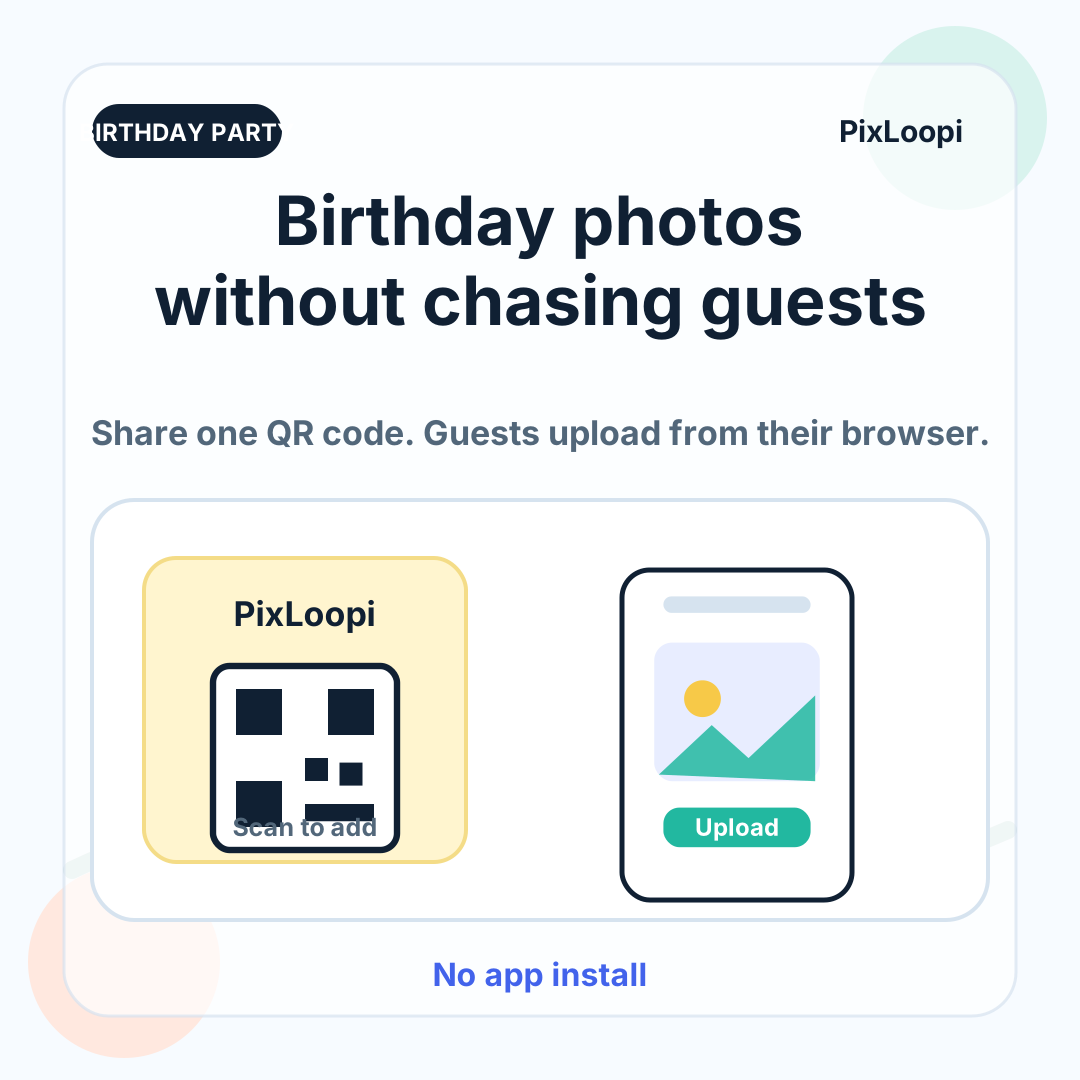
At birthdays and private parties, the best moments are usually spread across many phones: arrivals, cake, decorations, friends, family, dance floor clips, and candid reactions.
After the event, asking everyone to send photos through chats, email, or cloud folders gets messy.
PixLoopi gives you one simple collection point. Guests open the album with a link or QR code and upload from their browser.
Prepare a PixLoopi album for the birthday, private party, or family event.
Put the QR code on invitations, tables, signs, screens, or group messages.
Guests open the page on their phone and upload photos without installing an app.
After the party, review and download files according to your plan options.
A QR code makes photo sharing easy while the event is happening. Guests do not need to remember to send files later or join another group chat.
Share your photos from the party
Scan the QR code, open the album, and upload your favourite moments. No app needed.
Create the album before sharing the QR code.
Test uploads on iPhone and Android.
Ask someone else to test as a guest.
Confirm plan limits, duration, and supported files.
Choose where the QR code will appear.
Download the files you want to keep after the event.
PixLoopi is designed for temporary event photo collection. It is useful for gathering files around a party, but it should not be treated as permanent backup storage.
After the event, download important files and store them in your own long-term backup system.
Yes. Guests can open the album link or QR code in their phone browser and upload without installing a separate app.
Yes. PixLoopi can be used for birthdays, private parties, family events, small gatherings, and other moments where many people take photos.
Yes. You can place it on table cards, invitations, signs, or screens. Test it before printing.
PixLoopi supports photos and supported videos depending on the rules and limits of the selected plan.
No. PixLoopi albums are temporary by default. Download the files you want to keep.
If you want one simple place for guest photos, create a PixLoopi album and share the link or QR code before the event.