Create a temporary wedding album
Create a PixLoopi album for your wedding and choose the setup that fits your event.
Wedding photo QR code
Collect candid wedding photos from your guests with one QR code. Create a PixLoopi album, share the link or QR code, and let guests upload from their browser without installing an app.
PixLoopi albums are temporary by default. Plan limits, recovery options, uploads, and video support depend on the selected plan.
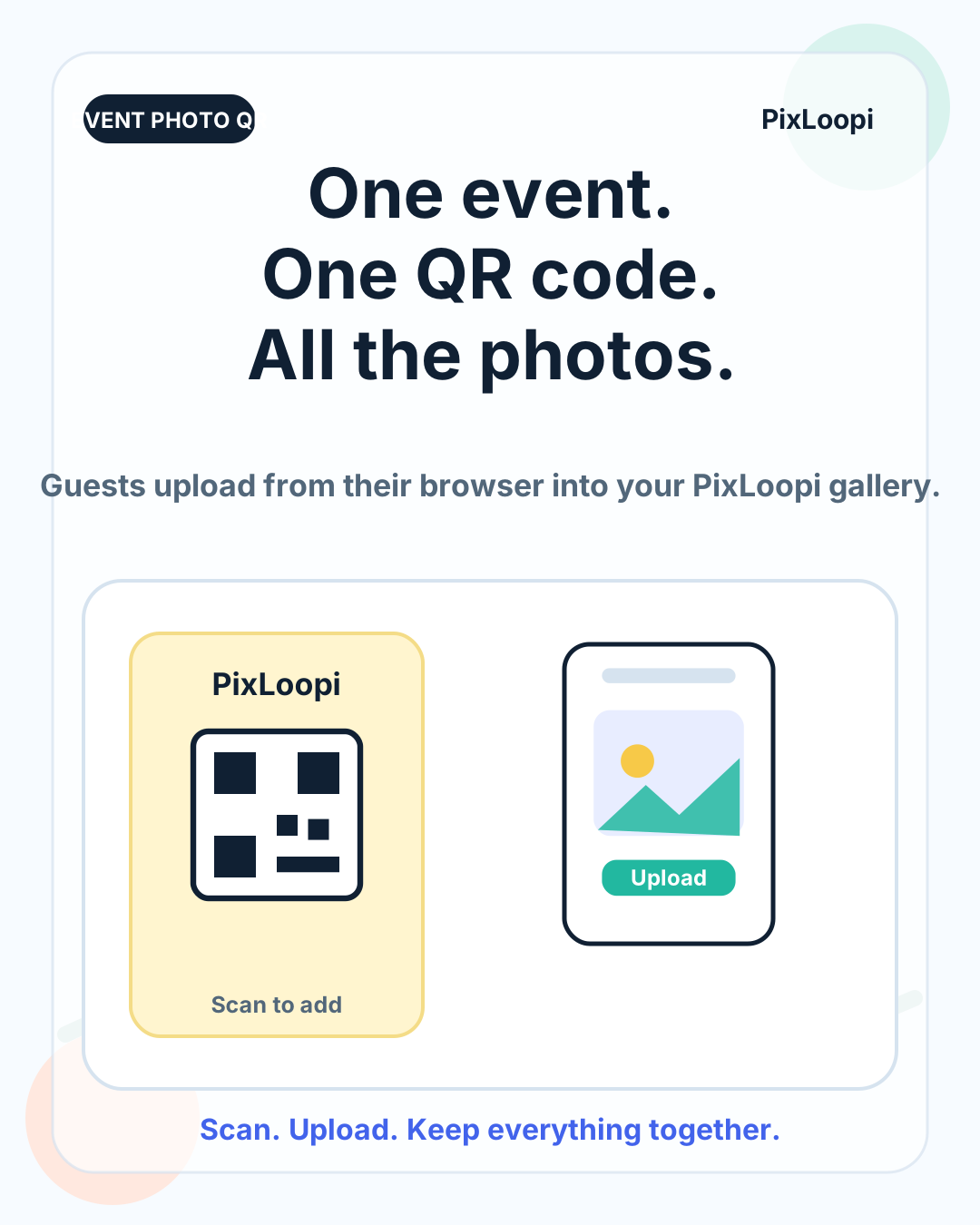
Your guests will take hundreds of candid photos during the ceremony, reception, dinner, dance floor, and quiet moments in between. The problem is collecting those photos afterwards.
WhatsApp groups get messy. Email is slow. Cloud folders can confuse guests with permissions. Dedicated apps often ask people to install something at the exact moment when the process needs to feel effortless.
PixLoopi gives you a simpler option: create a shared wedding album and give guests one QR code or link. Guests open it in their browser and upload photos, and supported videos, from their phone.
Create a PixLoopi album for your wedding and choose the setup that fits your event.
Place the QR code on tables, signs, your wedding website, or a message from the couple.
Guests scan the QR code, open the album page, and upload from their phone browser.
After the wedding, review and download files according to the options available in your plan.
A QR code turns photo collection into a quick action at the event. Instead of asking guests to remember an email address, find a folder link, or install an app later, you can show one clear instruction.
Share your photos with us
Scan the QR code and upload your favourite moments from today. No app needed.
Create the album and confirm the sharing flow.
Test the QR code with someone outside your own phone or account.
Check the upload flow on iPhone and Android.
Confirm what file types and limits apply to your plan.
Decide where the QR code will appear at the venue.
Download the files you want to keep after the wedding.
PixLoopi is designed around temporary shared albums. That makes it useful for events, but it also means users should understand their album duration, capacity, upgrade options, and recovery rules before relying on it for long-term storage.
PixLoopi should not be treated as permanent archive storage. After the wedding, download the files you want to keep and store them in your preferred long-term backup location.
Yes. PixLoopi is browser-based, so guests can open the album link or QR code and upload from their phone browser without installing a separate app.
Yes. PixLoopi lets you share an album through a link, code, or QR code. You can place the QR code on table cards, signs, invitations, or a wedding website.
PixLoopi supports photos and supported videos, subject to the limits and rules of the selected plan. Before the wedding, check the current plan details and test the upload flow.
PixLoopi albums are temporary by default. Duration, recovery, renewal, and upgrade options depend on the selected plan. Download the files you want to keep before relying on any album as long-term storage.
No. PixLoopi is intended for temporary event photo collection and sharing. For long-term storage, download your files and keep them in your own backup system.
See the general guide for collecting event photos without asking guests to install an app.
View no-app photo sharing guideUse a temporary album and QR code to collect birthday and party photos from guests.
View party photo sharing guideIf you want a simple way to collect wedding photos from guests, create a PixLoopi album and share the QR code before the event.