Create a temporary album
Create a PixLoopi album for the event and choose the plan that fits the expected use.
No-app event photo sharing
Collect photos and supported videos from guests in one temporary album. Share a PixLoopi link, code, or QR code and let people upload from their phone browser.
PixLoopi albums are temporary by default. Plan limits, recovery options, uploads, and video support depend on the selected plan.
At events, the best photos often sit on many different phones. Guests capture tables, speeches, dancing, travel moments, family reactions, and details the organiser may never see.
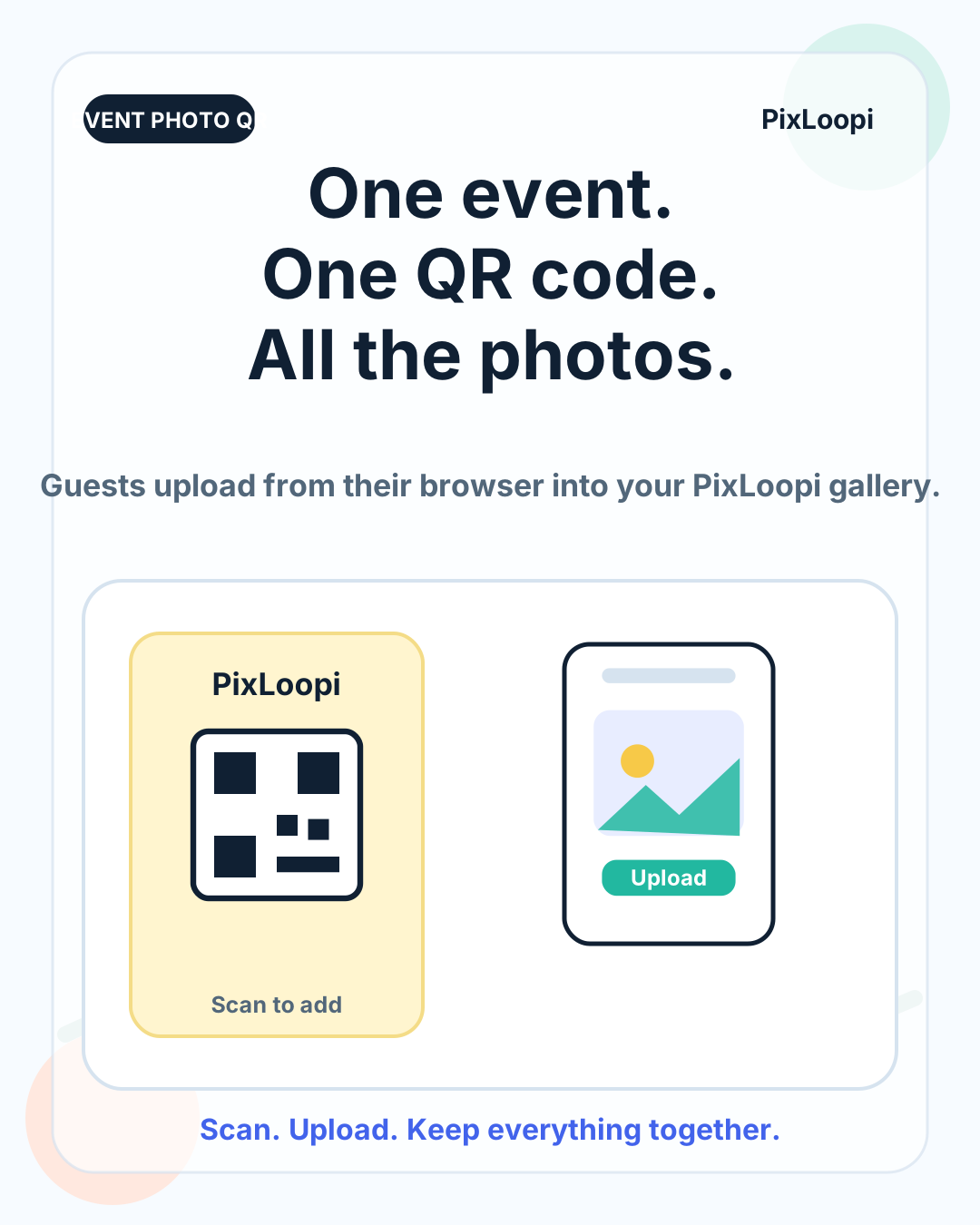
PixLoopi helps bring those files into one shared album without asking guests to install another app. Create an album, share the link, code, or QR code, and guests upload through the browser.
It is a practical fit for weddings, parties, team events, family gatherings, school moments, small conferences, and community meetups.
Create a PixLoopi album for the event and choose the plan that fits the expected use.
Send the link or place the QR code on tables, signs, invitations, messages, or event screens.
Guests open the album page on their phone and upload photos and supported videos without installing an app.
After the event, review and download the files you want to store long term.
Every extra step reduces participation. A browser upload link or QR code keeps the task simple: open, choose files, upload. That matters most when people are already busy enjoying the event.
Share your photos from today
Scan the QR code or open the link, choose your photos, and upload from your browser. No app needed.
Create a test album before printing or sharing the QR code.
Check the guest upload flow outside your own device.
Confirm plan limits, supported files, and album duration.
Decide where the QR code or link will be shown.
Download files after the event if you want long-term storage.
For weddings, also see the dedicated wedding QR code photo upload guide.
PixLoopi is designed for temporary event collection. That makes it simple for the event moment, but it should not be treated as permanent backup storage.
Album duration, recovery, uploads, supported videos, and upgrade options depend on the product rules and selected plan. Download files you want to keep.
Yes. PixLoopi is browser-based for guests. They can open the album link, code, or QR code on their phone and upload through the browser.
Yes. A QR code is a practical way to share access at an event, especially on table cards, signs, invitations, menus, or screens.
PixLoopi supports photos and supported videos according to the current plan rules, file limits, and product availability.
PixLoopi albums are temporary by default. Duration, renewal, recovery, and upgrade options depend on the selected plan.
No. PixLoopi is intended for temporary event photo collection. Download the files you want to keep and store them in your own backup system.
If you need a simple way to collect photos from many guests, create a PixLoopi album and share one link, code, or QR code.